Rpenny
A safe place to practise money habits.
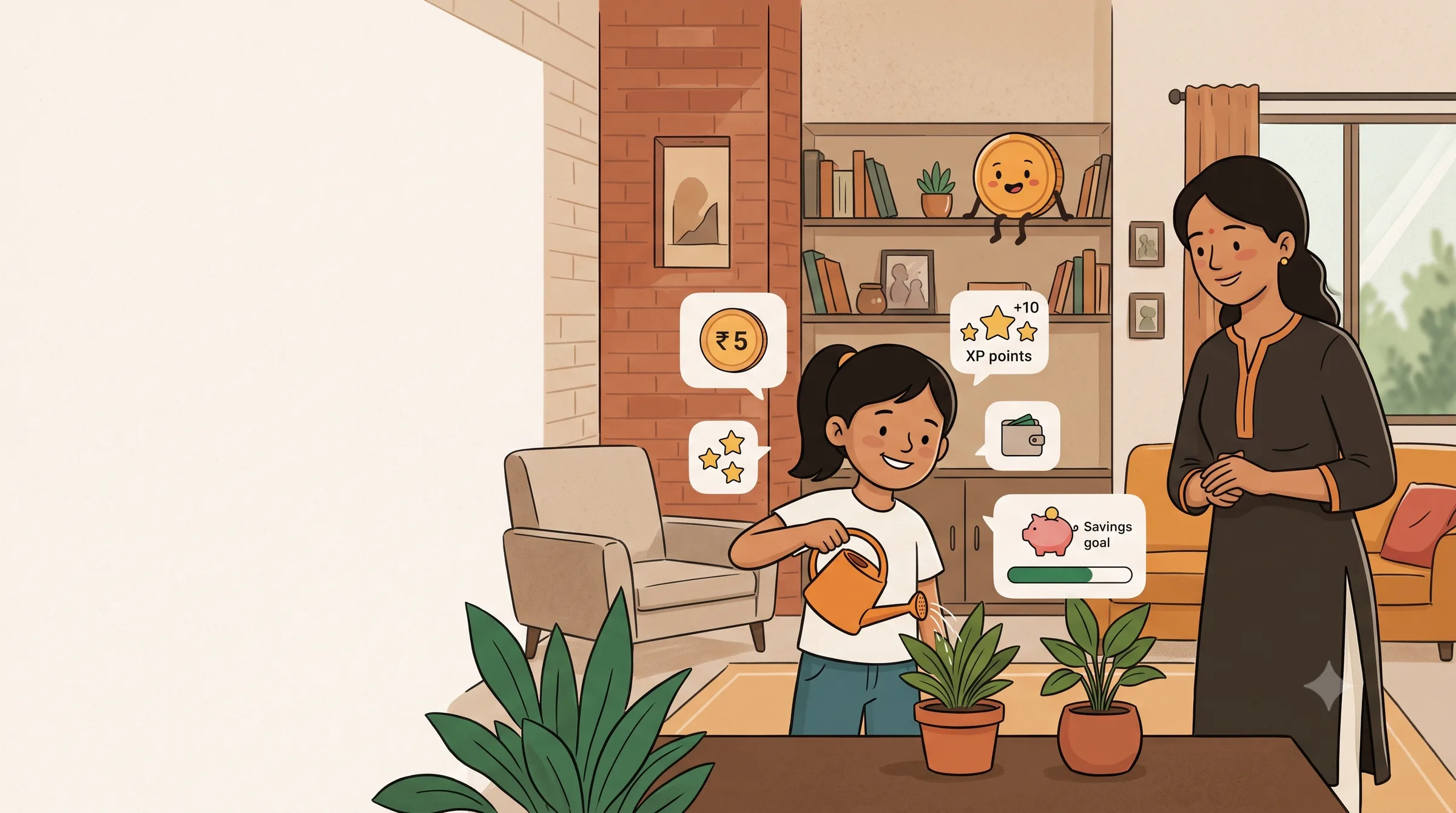
Chores become virtual ₹ and XP. Parents approve every reward. Kids save toward goals and learn by doing.
Rpenny uses virtual ₹ only — no real money moves.
The idea
What is Rpenny?
A quick look at chores, virtual ₹ and goals — in three simple ideas.
Rpenny turns everyday chores into virtual ₹ and XP that kids earn, save and share — with every reward approved by a parent.
- Chore
- A one-time task or a daily or weekly routine that a parent assigns, worth a virtual ₹ reward.
- Virtual ₹
- Play money that stays inside Rpenny — never a bank account, never real cash.
- Goal
- Something a child saves virtual ₹ toward, with a bar that fills as they add to it.
The chore loop
From chore to reward, step by step
One task moves from assigned to reviewed to approved — and a parent signs off before any virtual ₹ moves.
- Step 1 — A parent creates the chore "Tidy your room" with a reward of 250 virtual rupees and assigns it to Aarav.
- Step 2 — Aarav finishes the chore and taps Done. Nothing is credited yet.
- Step 3 — The chore lands in the parent's review queue. The parent can approve it or reject it with a note.
- Step 4 — The parent approves the chore. Every reward in Rpenny is approved by a parent first.
Parent to child
Approval sends the reward to the wallet
The moment a parent approves, virtual ₹ and XP travel straight into the child's wallet — no extra steps.
- A parent approves the chore, releasing 250 virtual ₹ and 20 XP for the child.
- The reward leaves the parent's review queue and crosses to the child's wallet.
- 250 virtual ₹ lands in the wallet, taking the balance from 1,150 to 1,400 virtual ₹.
- 20 XP is added, moving the child a step closer to the next level.
- The "New cricket bat" goal grows to 48% of its 2,400 virtual ₹ target.
The wallet
Every virtual ₹, tracked in one place
A running list of every deposit, every share, every spend request — always in virtual ₹, never real money.
Wallet
₹1,400Virtual ₹- Tidy your room+₹250
- Bonus from parent+₹50
- Sent to Meera−₹100
- Added to New cricket bat−₹200
Earned
Every approved chore adds virtual ₹ to the wallet, with the full history kept.
Shared with a sibling
Kids can send virtual ₹ to a brother or sister inside the family.
Spend request
A child can ask to spend virtual ₹ from their wallet; a parent decides.
Virtual ₹ — not a bank account. No real money moves.
Goals
Save toward something that matters to them
Kids set a goal, add virtual ₹ toward it, and watch the bar fill — parents can boost it with extra virtual ₹.
Savings goal
New cricket bat
₹1,150 / ₹2,400
Virtual ₹
48% saved
₹1,150
of ₹2,400 — New cricket bat
48% saved
Money playground
Practice saving, safely simulated
Three simulated ways to explore saving — fixed deposit, SIP and recurring deposit. All practice, never real money.
Fixed deposit
SimulationSet money aside and watch the total grow over time.
Sample
₹5,000 · 12 months
Practice numbers — not a real return
Selected — Lock virtual ₹ away and watch a simulated balance grow over time.
SIP
SimulationSave a little every month and watch it add up.
Sample
₹500 / month · 12 months
Practice numbers — not a real return
Add a little virtual ₹ on a regular schedule and see simulated growth add up.
Recurring deposit
SimulationA regular monthly deposit working toward a target.
Sample
₹300 / month · 12 months
Practice numbers — not a real return
Practice regular saving with a simulated recurring deposit, virtual ₹ only.
Practice only. No real money, no real returns.
Level up
Small wins add up to real progress
Every approved chore earns XP. Levels climb, Penny grows alongside your child, and a daily streak keeps momentum going.
XP
Every approved chore earns XP, on top of the virtual ₹ reward.
Levels
Levels climb from Level 1 upward — numbers only, and Penny grows alongside them.
Daily streak
A streak on the home screen counts the days a child keeps showing up.
Badges
Two badges to start: first chore completed and first savings goal reached, with more on the way.
Penny
Lv. 4
60 XP
Task
Tidy your room
Approved +₹250 +20 XP
Virtual ₹
First task
First goal
For parents
Parents stay in control throughout
From creating a chore to approving the reward, every step in Rpenny starts with a parent.
- 01
Create
Set up the family, add each child, and create chores with a virtual ₹ reward.
- 02
Assign
Hand a chore to the right child — a one-time task or a routine.
- 03
Review
See every completed chore in one queue before anything is credited.
- 04
Approve
Approve to release the reward, or reject with a note so the child can try again.
- 05
Oversee
Track every child's balance, level and progress from one family dashboard.
Aarav · Virtual ₹
₹1,400
- Tidy your room+₹250
- Bonus+₹50
- Sent to Meera−₹100
- Added to New cricket bat−₹200
Trust & safety
Built for families, on parents' terms
Virtual ₹, parent approval and no ads — here's what that means in practice.
- Virtual ₹ only
- Every virtual ₹ inside Rpenny stays there — used for practice, never spent or moved as real money.
- Parent-created accounts
- A parent sets up each child's sign-in inside the Parent app. Kids never sign up on their own.
- Approval on every reward
- Nothing is credited to a child's wallet until a parent approves it.
- No ads, nothing to buy
- Rpenny shows no ads and sells nothing in-app — there is nothing for a child to purchase.
What Rpenny is not
- Not a bank, and not connected to any real bank account.
- Not able to move real money in or out, ever.
- Not a place where a child can sign up alone — every account starts with a parent.
Ready to try Rpenny?
Set up your family in the Parent app.